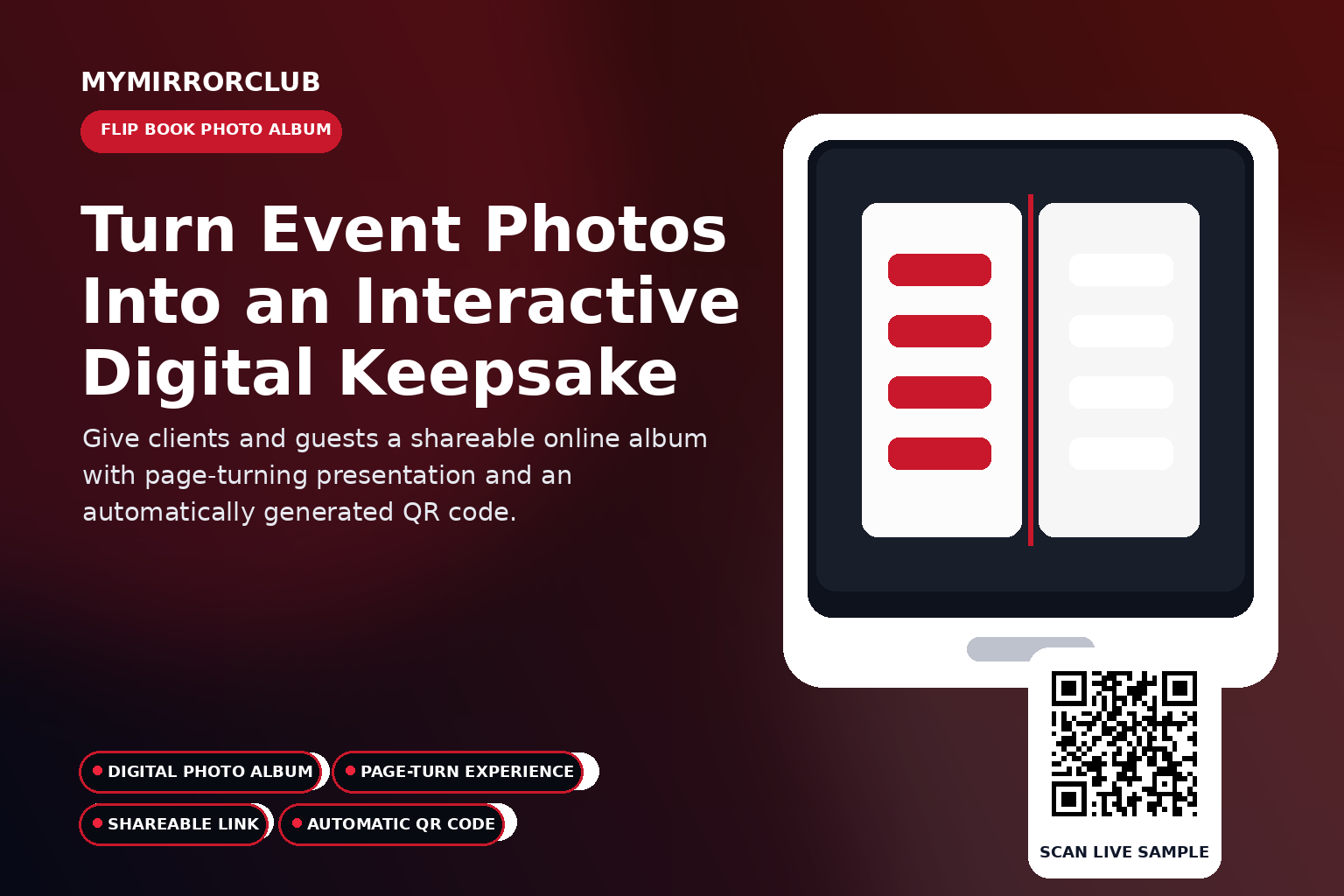
A folder of photos is useful, but a digital Flip Book Photo Album gives those images a more memorable presentation. Guests can move through the album like a book and revisit the event through one shareable experience.
Open the live company-owned sample
This demonstration is operated by MyMirrorClub and is provided as a public example, not as a client event.
What is this feature?
The MyMirrorClub Flip Book Photo Album organizes selected event images into an online page-turning album. It can be shared through its web link and automatically generated QR code.
How the guest experience works
- The member prepares the album and selects the event images.
- The system creates the online flip book presentation.
- Guests open the shareable link or scan the automatically generated QR code.
- The viewer turns through the digital pages on desktop or mobile.
- The album remains available as a post-event keepsake.
Why this feature can add value to an event package
- A flip book feels more polished than sending an unorganized file list.
- The experience can become part of a premium event package.
- Clients can share one album link with family, friends or attendees.
- The album works as a post-event follow-up tool.
- A QR code can connect printed thank-you cards directly to the album.
Automatic QR-code access
MyMirrorClub automatically generates a QR code for this feature. Guests can scan it instead of typing the event URL. Members can use that QR code on:
- Welcome signs and entrance displays
- Table cards and printed inserts
- Invitations and reminder emails
- Digital displays and event websites
- Thank-you cards and post-event follow-up
Why page turning changes the presentation
Page turning creates a sense of sequence. The viewer moves through the event instead of scanning one large grid. That makes the album especially useful for storytelling, highlights and curated event recaps.
Use a flip book as a premium deliverable
A digital album can be included with higher-value packages, offered as an add-on or used as a branded follow-up after the event. The QR code can be printed on a card so the client has a direct path back to the album.
Events that fit this experience
- Weddings
- Quinceañeras and Sweet 16 events
- Corporate celebrations
- School events
- Birthdays and anniversaries
- Holiday and community events
Branding and presentation
The event title, visual assets and member presentation help the experience feel connected to the rest of the event. A consistent look across the booth, guest book, gallery and album can make separate digital tools feel like one complete package.
Practical setup tips
- Test the complete guest flow before sharing the QR code.
- Use a short instruction near the code so guests know what will open.
- Check the experience on both a phone and a desktop browser.
- Keep event branding readable on light and dark screens.
- Use a company-owned sample when demonstrating the feature publicly.
Frequently asked questions
What makes it different from a normal gallery?
A flip book uses a page-turning album presentation, while a gallery focuses on browsing a collection of images.
Can guests open it on mobile?
The online sample is designed to be viewed through a normal web link on supported devices.
When should the QR code be used?
It works well on thank-you cards, event screens, printed inserts and follow-up emails.
Can the album be shared after the event?
Yes. Its purpose is to provide an online keepsake that can be revisited and shared.
Explore the connected MyMirrorClub features
- All Five Interactive Features
- Virtual Photo Booth
- Online Video Guest Book
- Online Audio Guest Book
- Online Photo Galleries
Offer a more complete online event experience
This feature can be offered alone or combined with the other MyMirrorClub experiences. A single event can include guest participation, collected messages, photo delivery, a private gallery and a digital album.