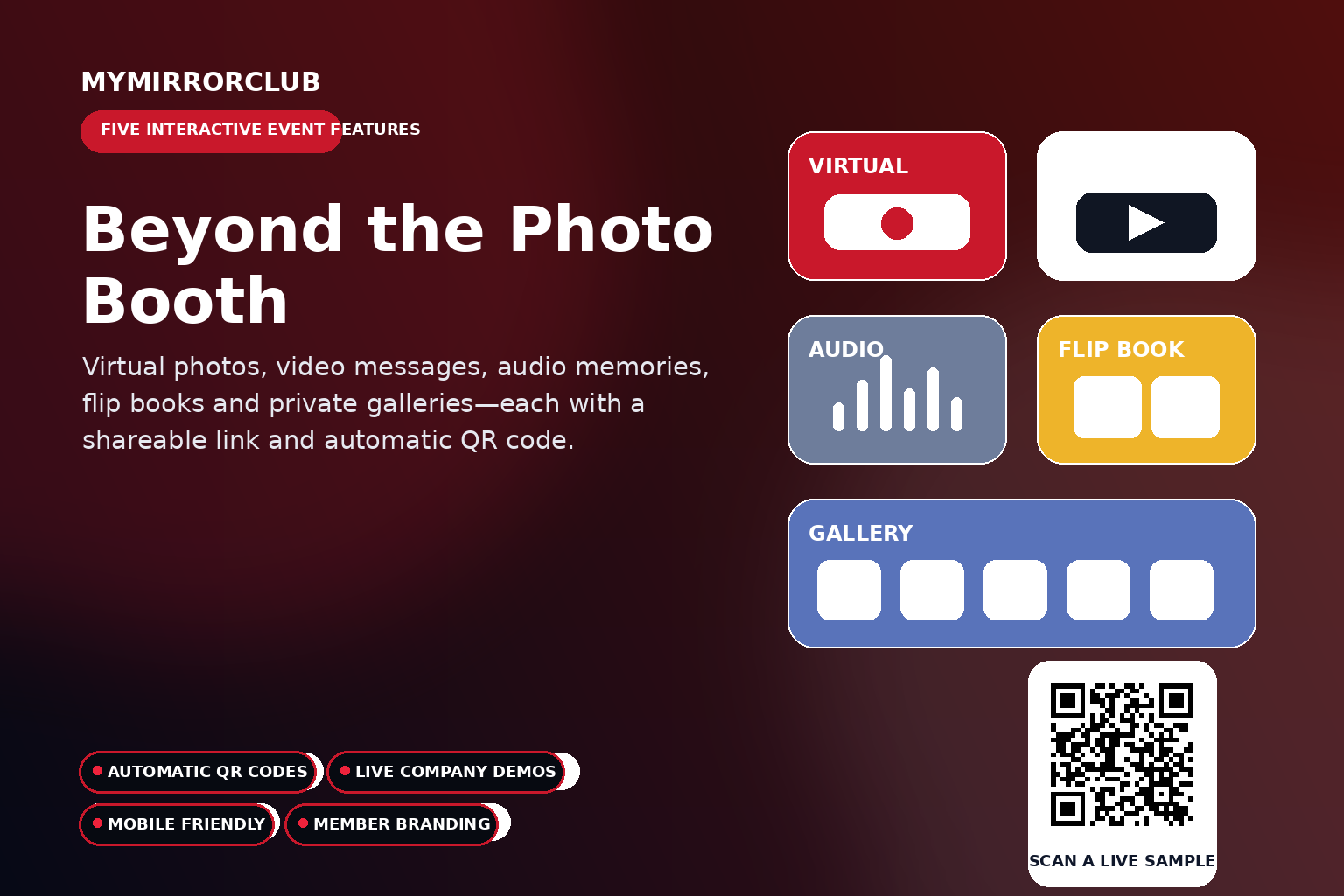
A modern photo booth business can offer much more than a print at the end of a session. MyMirrorClub members can create five interactive online experiences that help guests participate, share memories and revisit an event from a phone, tablet or computer.
The five experiences are the Virtual Photo Booth, Online Video Guest Book, Online Audio Guest Book, Flip Book Photo Album and Online Photo Gallery. Each feature receives its own shareable web link, and the system automatically generates a QR code that can be placed on signs, invitations, tables, screens or printed materials.
Try all five company-owned live samples
These demonstrations are operated by MyMirrorClub and are safe to use as public examples. They are not customer or client events.
Virtual Photo BoothVideo Guest BookAudio Guest BookFlip Book AlbumPhoto Gallery
One workspace, five different guest experiences
Each feature solves a different event need. Some are designed for participation during the event, while others become lasting post-event experiences. Together they give photo booth companies, event professionals and creative businesses more ways to add value without asking guests to install an app.
1. Virtual Photo Booth
The Virtual Photo Booth lets guests open a branded booth from their own device and choose from multiple capture experiences. Guests can create a still photo, a GIF made from three different photos, or a five-second Boomerang video. Finished results can be delivered by email, and approved eligible still images can also appear in the event slideshow.
- Still-photo capture
- Animated GIF creation from three different photos
- Five-second Boomerang video creation
- Phone, tablet and computer access
- Member branding, event title and visual presentation
- Email delivery
- Optional live slideshow participation for approved eligible still photos
- Shareable event link and automatic QR code
Read the Virtual Photo Booth GuideOpen Live Sample
2. Online Video Guest Book
The Online Video Guest Book collects personal MP4 messages through a branded event page. Guests can record from their own device, making it useful for weddings, birthdays, anniversaries, graduations, corporate celebrations and events with remote participants.
- MP4 guest messages
- Branded event template
- Remote participation
- Message management inside the member system
- Shareable link and automatic QR code
Read the Video Guest Book GuideOpen Live Sample
3. Online Audio Guest Book
The Online Audio Guest Book gives guests a way to leave MP3 voice messages without requiring a physical audio telephone. The presentation can include an associated image for the recording and a branded laptop-style player with previous, play or pause, and next controls.
- MP3 audio recordings
- Associated guest images
- Branded laptop-and-phone presentation
- Track navigation and playback controls
- Shareable link and automatic QR code
Read the Audio Guest Book GuideOpen Live Sample
4. Flip Book Photo Album
The Flip Book Photo Album turns selected event photos into an interactive online keepsake. Instead of sending a folder of images, a business can provide a more polished page-turning experience that clients can revisit and share.
- Interactive digital album
- Page-turn presentation
- Online sharing
- Desktop and mobile access
- Shareable link and automatic QR code
Read the Flip Book GuideOpen Live Sample
5. Online Photo Galleries
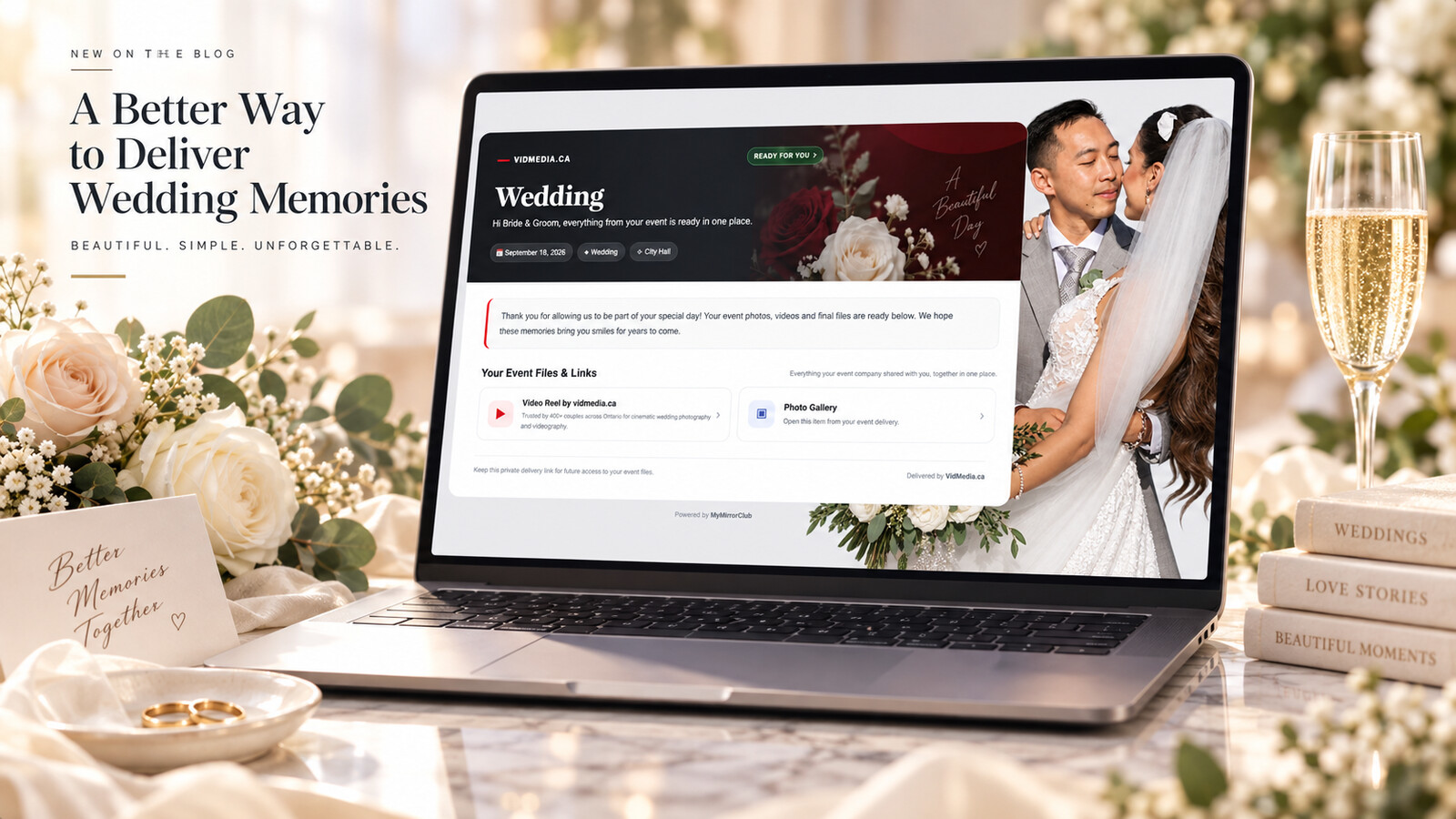
Online Photo Galleries make it easy to present event images through a branded, mobile-friendly link. When privacy is important, the gallery can be password protected if the member chooses that option.
- Branded event gallery
- Mobile-friendly browsing
- Optional password protection
- Useful for private, school, wedding and corporate events
- Shareable link and automatic QR code
Read the Photo Gallery GuideOpen Live Sample
Automatic QR codes make access simple
Guests should not have to type a long event URL. MyMirrorClub automatically generates a QR code for each experience. The member can place that code wherever the audience is most likely to see it.
- Welcome signs and entrance displays
- Table cards and cocktail tables
- Invitations and reminder emails
- Digital screens and slideshows
- Photo strip designs and thank-you cards
- Social posts and event websites
How the five features work together
A wedding could use the Virtual Photo Booth during the reception, the Video Guest Book for personal messages, the Audio Guest Book for voice memories, the Photo Gallery for image delivery and the Flip Book Photo Album as the final keepsake. A corporate event could use the same tools with a completely different brand and purpose.
The benefit is flexibility. Members can offer one feature as an add-on or combine several into a larger digital event package.
Who can use these online event tools?
- Photo booth companies
- Wedding and event professionals
- DJs and entertainment companies
- Photographers and videographers
- Corporate activation teams
- Schools, nonprofits and community organizations
Create more value from every event
Interactive online features extend the experience beyond a physical booth. They create new participation options, provide branded deliverables and give a business more ways to package its services.